Vibe Coding: The Complete Guide to AI-Powered Development in 2026
Vibe coding lets you build software by describing what you want in natural language. This complete guide covers the tools, workflow, pros and cons, and how to get started in 2026.

Reading time: 14 min | Updated: March 10, 2026
Key Takeaways
- Vibe coding lets you build software by describing what you want in plain English — the AI writes the code for you.
- Developers using AI coding tools report 55% faster task completion, and non-technical founders are shipping full SaaS products with zero coding experience.
- It is excellent for prototyping and MVPs but carries real risks around code quality, security, and long-term maintainability for production systems.
- The best approach in 2026: use vibe coding to move fast, then refactor with engineering discipline before scaling.
Table of Contents
- What Is Vibe Coding?
- How Vibe Coding Works: The Core Workflow
- The Vibe Coding Tools Landscape in 2026
- Pros and Cons of Vibe Coding
- Who Uses Vibe Coding (And How)
- Vibe Coding vs. Traditional Development
- The Future: From Vibe Coding to Autonomous Agents
- How to Get Started with Vibe Coding Today
- Frequently Asked Questions
What Is Vibe Coding?
Vibe coding is a new approach to software development where you describe what you want to build in natural language, and an AI model generates the working code. Coined by Andrej Karpathy — the former Tesla AI director and OpenAI founding member — the term was chosen as the Collins Dictionary "word of the year" for 2025 and has since become the defining paradigm of how millions of people interact with code in 2026.
The concept is deceptively simple. Instead of writing syntax, you write intentions. Instead of debugging semicolons, you describe behavior. You "give in to the vibes" and let the AI handle the implementation details. As Karpathy himself described it: you just see things, say things, run things, and copy-paste things — and it mostly works.
But vibe coding is not just a buzzword. It represents a fundamental shift in who can build software, how fast products can ship, and what "programming" even means in an age where large language models can generate production-quality code from a conversation. Whether you are a seasoned engineer looking to 10x your prototyping speed or a non-technical founder who wants to bring an idea to life without hiring a dev team, understanding vibe coding is no longer optional — it is a competitive advantage.
How Vibe Coding Works: The Core Workflow
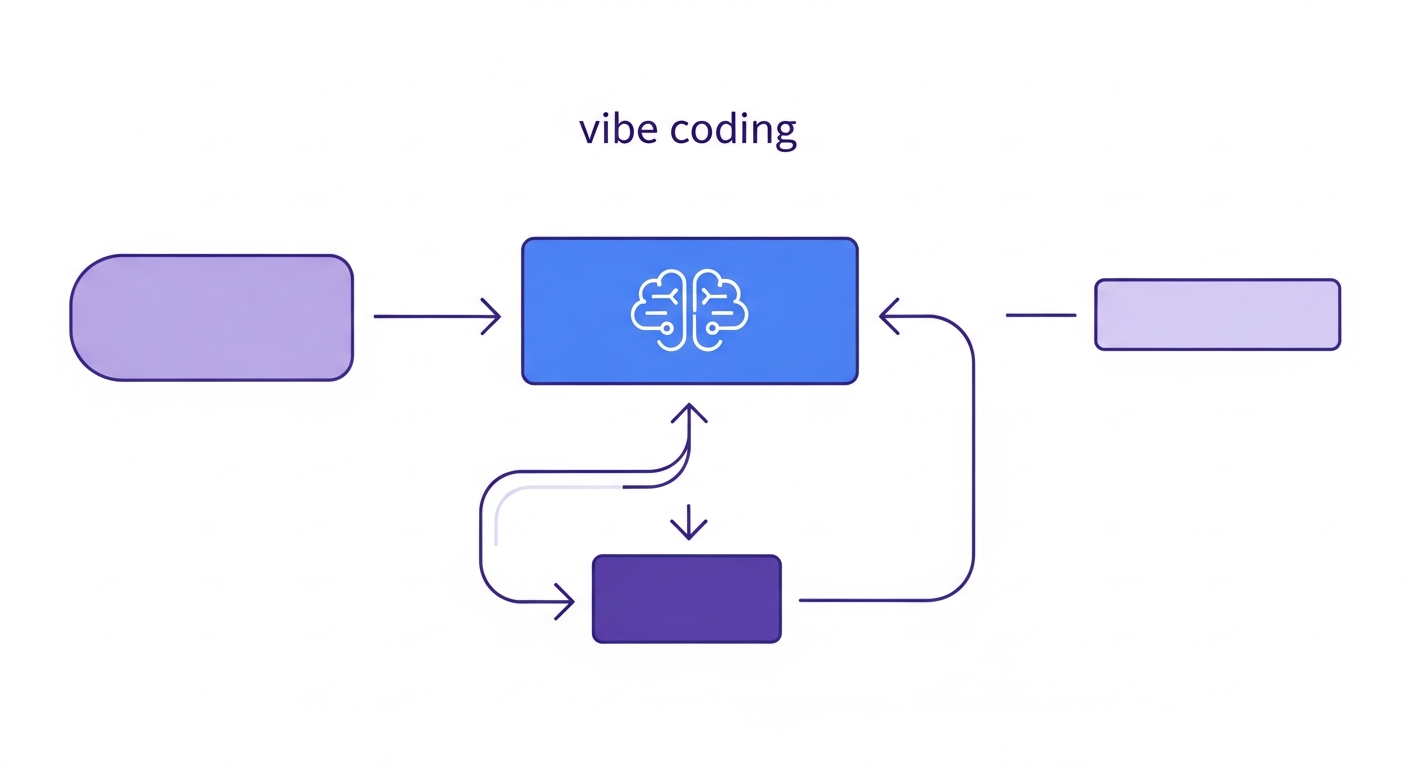
The vibe coding workflow follows a conversational, iterative loop that feels more like pair programming with an extremely fast colleague than traditional software development. Here is how it works in practice:
Step 1: Describe What You Want
You start by telling the AI what you need in plain English. This can be as high-level as "Build me a task management app with user authentication and a Kanban board" or as specific as "Add a drag-and-drop feature to the card component that updates the database position on drop."
The quality of your description directly impacts the quality of the output. Experienced vibe coders learn to write precise, context-rich prompts — a skill that is quickly becoming as valuable as knowing a programming language.
Step 2: AI Generates Code
The AI model processes your description and generates working code — often across multiple files, including frontend components, backend API routes, database schemas, and configuration files. Modern tools do not just output a single function; they create entire project structures.
Step 3: Review and Iterate
You run the code, see the result, and tell the AI what to change. "Make the header sticky." "Add dark mode." "The login page should redirect to the dashboard after success." Each iteration refines the application. This conversational loop is where the "vibe" happens — you are not writing code, you are directing it.
Step 4: Deploy
Many vibe coding platforms include one-click deployment. Your app goes from idea to live product in hours, sometimes minutes. Platforms like Replit and Bolt.new handle hosting, domain setup, and deployment pipelines automatically.
The Vibe Coding Tools Landscape in 2026
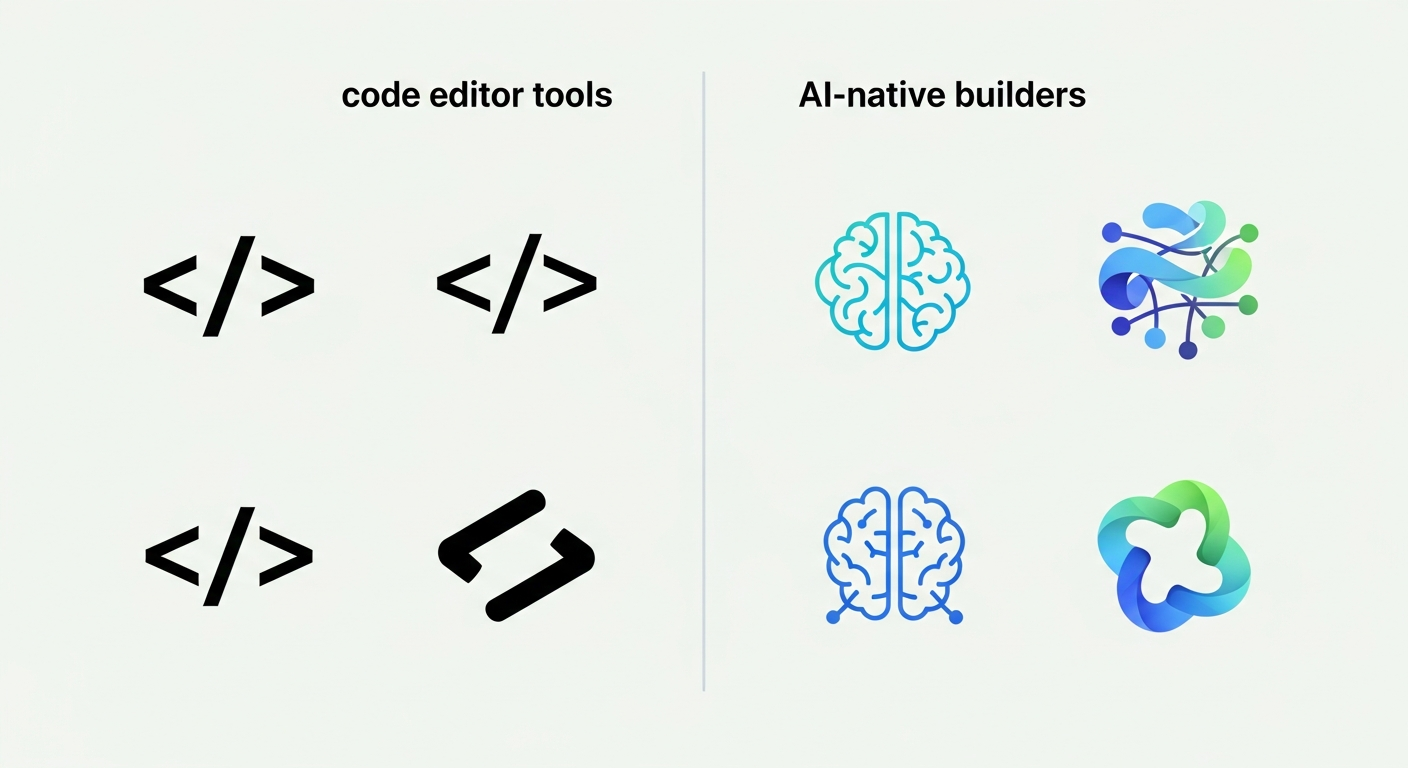
The vibe coding ecosystem has split into two distinct categories: AI-enhanced code editors that integrate into your existing development workflow, and AI-native builders that let you create entire applications from scratch without ever opening a terminal. Here is how they compare:
AI-Enhanced Code Editors
| Tool | Best For | Key Feature | Pricing |
|---|---|---|---|
| Cursor | Professional developers | Full IDE with AI agent mode, multi-file editing, codebase-aware context | Free / $20/mo Pro |
| Claude Code | Terminal-first developers | CLI-based agentic coding, deep codebase understanding, autonomous multi-step tasks | Included with Claude Pro/Max |
| GitHub Copilot | VS Code / JetBrains users | Inline completions, chat panel, agent mode with tool use | Free / $10/mo Individual |
| Windsurf (Codeium) | Teams wanting AI-first IDE | Cascade flow for multi-step edits, real-time collaboration with AI | Free / $15/mo Pro |
AI-Native Builders
| Tool | Best For | Key Feature | Pricing |
|---|---|---|---|
| Bolt.new | Full-stack web apps | In-browser IDE with AI, instant preview, one-click deploy to Netlify | Free / $20/mo Pro |
| Replit Agent | Non-developers, rapid prototyping | Autonomous agent builds and deploys full apps from a description | Free / $25/mo Hacker |
| v0 by Vercel | Frontend / UI components | Generates React/Next.js components from text or image prompts | Free / $20/mo Premium |
Each category serves a different use case. If you are a developer who wants AI assistance while maintaining full control over your codebase, tools like Cursor and Claude Code are your best bet. If you are a non-developer who wants to build something functional as fast as possible, AI-native builders like Bolt.new and Replit Agent remove virtually every technical barrier.
For a deeper comparison of the AI models powering these tools, see our analysis of ChatGPT vs Claude vs Gemini — the model choice significantly impacts code quality and reasoning ability.
Pros and Cons of Vibe Coding
Vibe coding is Significant, but it is not without trade-offs. Here is an honest assessment based on real-world usage across startups, solo developers, and enterprise teams:
| Advantages | Disadvantages |
|---|---|
| 10x faster prototyping — Build MVPs in hours instead of weeks. What used to require a full development team can now be accomplished by a single person with clear product vision. | Code quality concerns — AI-generated code often lacks the architectural discipline of hand-written software. Patterns that work at prototype scale can crumble under production load. |
| Lower barrier to entry — Non-developers can build functional applications. Designers, product managers, and founders can go from idea to working prototype without learning to code. | Maintainability issues — When you don't understand the code your app runs on, debugging becomes a game of telephone with the AI. Each fix can introduce new bugs. |
| 55% faster task completion — Even experienced developers report completing tasks significantly faster when using AI coding assistants, according to industry surveys. (Note: a METR study found experienced OSS developers may not see the same gains.) | "Technical debt factory" — Quick iterations without code review create compounding technical debt. The faster you ship, the faster you accumulate problems you will need to fix later. |
| Rapid iteration — The conversational loop means you can test ideas in real-time. Change your entire UI approach in minutes, not days. | Security risks — AI models can generate code with common vulnerabilities: SQL injection, XSS, improper authentication flows. Without security expertise, these go undetected. |
| Learning accelerator — Beginners learn coding patterns by seeing what the AI generates, asking why, and iterating. It is like having a patient, infinitely available tutor. | Context window limits — Complex projects can exceed the AI's context window, causing it to "forget" earlier decisions and generate inconsistent code across files. |
Who Uses Vibe Coding (And How)
Vibe coding is not a one-size-fits-all approach. Different groups use it in different ways, and understanding these patterns helps you decide where it fits in your own workflow.
Startup Founders Building MVPs
This is where vibe coding shines brightest. Non-technical founders are using tools like Replit Agent and Bolt.new to build and launch full SaaS products — complete with user authentication, payment processing, dashboards, and API integrations — with zero coding experience. The economics are compelling: instead of spending $50,000-$100,000 on a development team for an MVP, founders are shipping testable products in a weekend for the cost of a subscription.
The catch? These MVPs work for validation but often need to be rebuilt by engineers before scaling. The smart founders know this and plan for it.
Professional Developers Accelerating Workflows
Senior engineers are not being replaced by vibe coding — they are using it as a force multiplier. The typical workflow looks like this: use AI to generate boilerplate, scaffold new features, write tests, and handle repetitive tasks. Then apply engineering judgment to refactor, optimize, and harden the code for production.
Tools like Cursor and Claude Code are particularly popular here because they integrate into existing development environments and understand full codebases, not just individual files.
Designers Who Code
Designers who previously relied on developers to implement their visions are now building functional prototypes themselves. Using v0 by Vercel, a designer can turn a Figma mockup description into working React components, iterate on the design in the browser, and hand off production-ready code to the engineering team.
Internal Tools and Automation
Teams across organizations are using vibe coding to build internal dashboards, data pipelines, automation scripts, and admin tools. These applications typically have a smaller user base, lower performance requirements, and more tolerance for rough edges — making them ideal candidates for AI-generated code.
Vibe Coding vs. Traditional Development
The debate between vibe coding and traditional development is not really "either/or" — it is about knowing when to use each approach. Here is a practical comparison:
| Dimension | Vibe Coding | Traditional Development |
|---|---|---|
| Speed to first version | Hours to days | Weeks to months |
| Code quality | Variable, often needs refactoring | Consistent, follows team standards |
| Scalability | Limited without expert intervention | Designed for scale from the start |
| Required skill level | Clear product thinking, basic tech literacy | Years of programming experience |
| Cost to start | $0-25/month (tool subscription) | $5,000-100,000+ (team salaries) |
| Debugging | Ask AI to fix errors (hit-or-miss) | Systematic debugging with full understanding |
| Security | Requires manual audit | Built into development process |
| Best for | Prototypes, MVPs, internal tools, learning | Production systems, regulated industries, critical infrastructure |
The most effective teams in 2026 are combining both approaches. They vibe code the initial prototype to validate the idea quickly, then bring in engineering expertise to rebuild the core for production. This hybrid approach captures the speed of vibe coding and the reliability of traditional development.
The Future: From Vibe Coding to Autonomous Agents
Vibe coding as it exists today is an intermediate step toward something far more ambitious. The next evolution is what researchers are calling the "Objective-Validation Protocol" — a paradigm where you define goals and constraints, and AI agents autonomously plan, execute, test, and iterate without human intervention between steps.
Here is how the progression looks:
- 2023-2024: Autocomplete era — AI suggests code completions line by line (early Copilot, TabNine). Developers still write most of the code.
- 2025: Vibe coding era — AI generates entire features and files from natural language descriptions. Humans direct and review.
- 2026: Agentic coding era — AI agents autonomously handle multi-step tasks: reading codebases, planning changes, writing tests, executing them, and iterating. Tools like Claude Code and Cursor's agent mode are already here.
- 2027+: Autonomous development — Define a product specification and acceptance criteria. AI agents handle architecture, implementation, testing, deployment, and monitoring. Humans focus on product strategy and validation.
The trajectory is clear: the role of the human is shifting from "writer of code" to "director of software." The developers who thrive will be those who can clearly articulate what needs to be built, evaluate whether the output meets the bar, and understand the system well enough to intervene when the AI gets it wrong.
How to Get Started with Vibe Coding Today
Ready to try vibe coding yourself? Here is a practical roadmap based on your experience level:
If You Have Never Coded Before
- Start with Replit Agent or Bolt.new — These platforms require zero setup. Sign up, describe your app, and watch it get built.
- Begin with something small — A personal portfolio site, a simple to-do app, or a landing page. Do not start with "the next Uber."
- Learn to write good prompts — Be specific about layouts, colors, user flows, and edge cases. "Build me a website" produces generic output. "Build me a portfolio website with a dark theme, three project cards with hover animations, and a contact form that sends emails via Resend" produces something usable.
- Iterate in small steps — Change one thing at a time. If you describe ten changes at once, it is harder to identify what went wrong when something breaks.
If You Are a Developer
- Try Cursor or Claude Code — These integrate into your existing workflow and understand full project context. Start by using them for boilerplate, test generation, and refactoring tasks.
- Use AI for the boring parts — Config files, CRUD operations, data transformations, API clients. Save your mental energy for architecture and business logic.
- Always review generated code — Treat AI output like a pull request from a junior developer. It is often correct, sometimes clever, and occasionally wrong in subtle ways.
- Learn prompt engineering for code — The better you describe the technical constraints, patterns, and conventions you want, the better the output. Include examples of your coding style.
If You Are a Startup Founder
- Validate first, scale later — Use vibe coding to build your MVP and get it in front of users within days, not months.
- Budget for a rebuild — Plan for hiring engineers to refactor the vibe-coded prototype once you have product-market fit. This is not a failure; it is a strategy.
- Document your prompts — Keep a record of the conversations that built your app. This becomes your specification when you hand off to a development team.
Frequently Asked Questions
Is vibe coding going to replace traditional programming?
No. Vibe coding is an additional tool in the development toolkit, not a replacement. It excels at prototyping, MVPs, and internal tools, but production-grade software that handles millions of users, regulatory compliance, and complex business logic still requires engineering expertise. The most likely outcome is a hybrid model where AI handles implementation details and humans focus on architecture, product decisions, and quality assurance.
Can I build a real business on vibe-coded software?
Yes, but with caveats. Several startups have launched and acquired paying customers using vibe-coded MVPs. The key is recognizing when to transition from vibe-coded prototype to properly engineered software. Use vibe coding to validate your idea and find product-market fit, then invest in code quality as your user base grows. Many successful SaaS companies started with rough prototypes and rebuilt as they scaled.
What is the biggest risk of vibe coding?
Security. AI-generated code can contain vulnerabilities that a non-technical user would never notice — insecure API endpoints, exposed environment variables, weak authentication flows, or SQL injection vectors. If you are vibe coding an application that handles user data or payments, have a security-minded developer review the code before going live. The cost of a security audit is far less than the cost of a data breach.
Do I need to learn to code if AI can do it for me?
Understanding code fundamentals makes you significantly better at vibe coding. You do not need to be an expert, but knowing concepts like APIs, databases, authentication, and basic web architecture helps you write better prompts, understand error messages, and evaluate whether the AI's output is correct. Think of it as the difference between telling a contractor "build me a house" versus being able to read blueprints and specify what you actually want.
Which vibe coding tool should I start with?
For non-developers: start with Bolt.new or Replit Agent — they handle everything from coding to deployment. For developers: start with Cursor (if you prefer a visual IDE) or Claude Code (if you prefer the terminal). For designers: try v0 by Vercel for generating React components from descriptions. All of these have free tiers, so you can experiment without commitment.
Sources
- Andrej Karpathy: Original "Vibe Coding" Post (February 2025)
- Collins Dictionary: Word of the Year 2025
- Stack Overflow 2025 Developer Survey: AI Section
- Index.dev: Developer Productivity Statistics with AI Tools 2026
- METR: Measuring AI Impact on Experienced Developer Productivity
- Wikipedia: Vibe Coding
Vibe coding is not the future of all software development — it is the present of fast software development. The developers, founders, and creators who learn to wield it effectively will have a measurable edge in 2026 and beyond. The question is not whether you should try vibe coding. It is what you will build first.