MCP Protocol Explained: The USB-C Standard for AI in 2026
MCP is the universal standard connecting AI models to external tools. Learn how it works, who supports it, and how to set it up in 5 minutes.
Reading time: 12 min
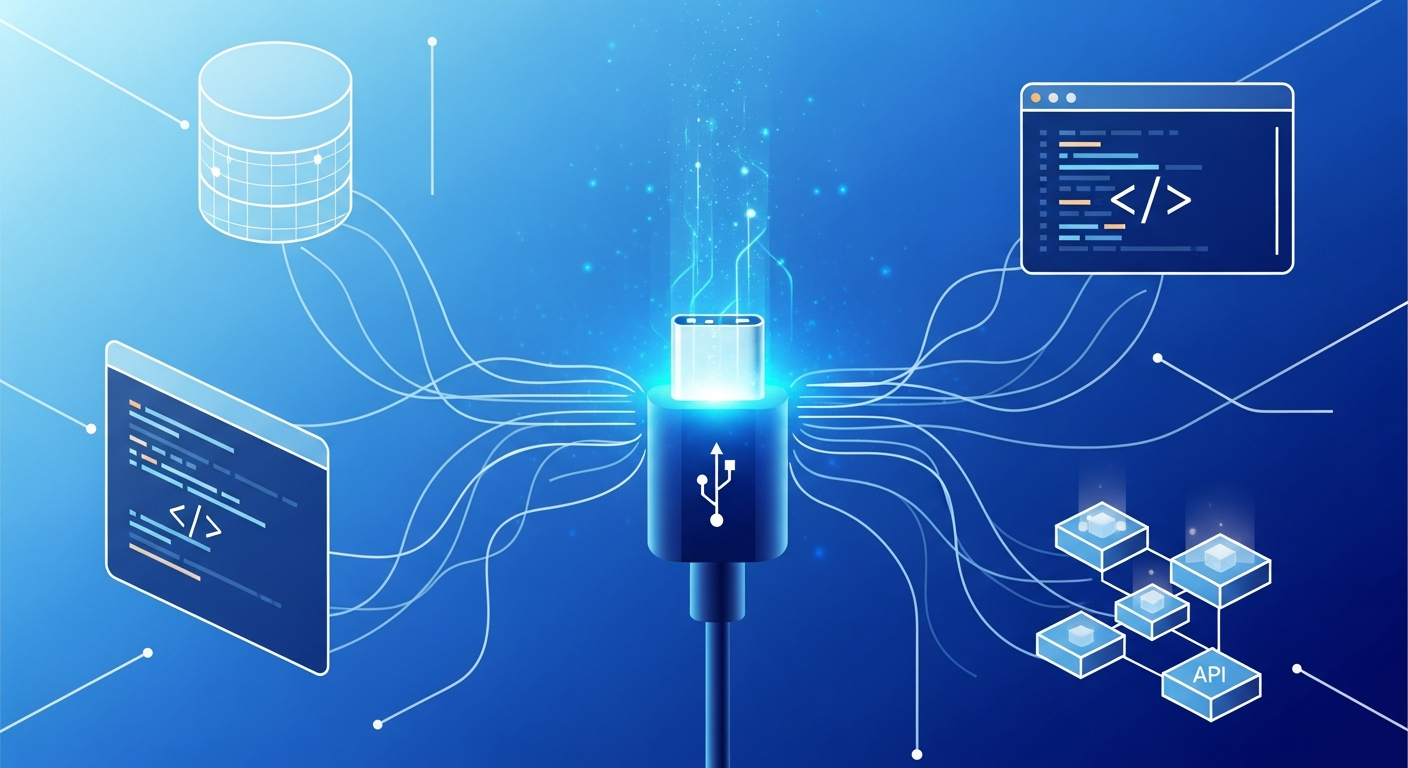
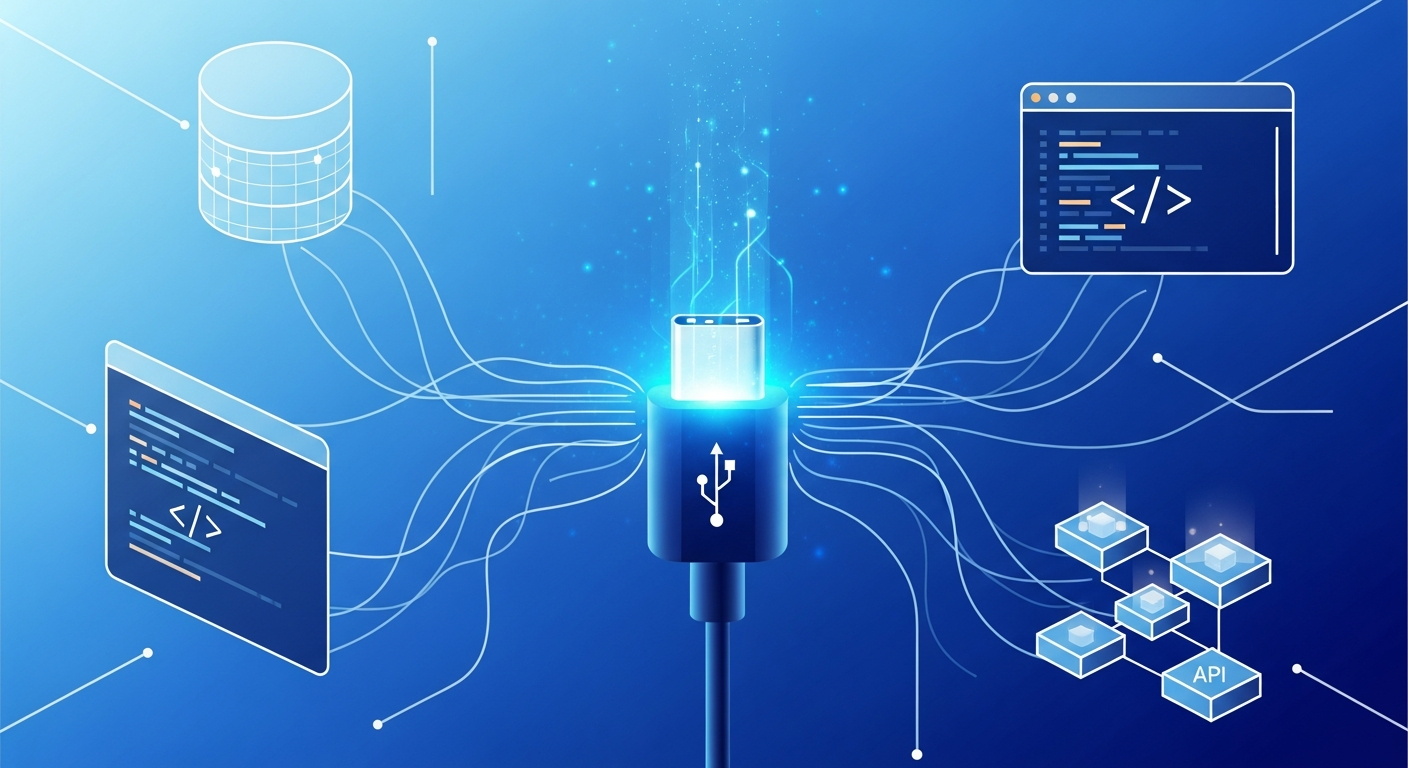
The MCP protocol (Model Context Protocol) is rapidly becoming the universal standard for connecting AI models to external tools, data sources, and services. Think of it as the USB-C of the AI world: before USB-C, every device needed a different cable; before MCP, every AI integration required custom code. Anthropic created MCP in late 2024, and by 2026, it has become the backbone of how AI agents interact with the real world. Even Sam Altman endorsed it, and OpenAI adopted MCP for ChatGPT — a rare move where a direct competitor embraces a rival's open standard.
Key Takeaways
- MCP is an open protocol by Anthropic that standardizes how AI models connect to external tools — databases, APIs, code editors, and more.
- Industry-wide adoption: OpenAI, Cursor, Replit, Sourcegraph, JetBrains, and hundreds of companies now support MCP.
- Replaces custom integrations: One MCP server works with any MCP-compatible AI client, eliminating the N x M integration problem.
- Built on JSON-RPC 2.0: Uses a client-server architecture with three primitives — Tools, Resources, and Prompts.
- Getting started is easy: Install an MCP server via npm or pip, add it to your AI tool's config, and start using it.
Table of Contents
- What Is the MCP Protocol?
- Why MCP Matters: The Integration Problem It Solves
- How MCP Works: Architecture and Primitives
- MCP vs Function Calling vs Plugins: Comparison
- Who Supports MCP in 2026
- Getting Started with MCP
- The MCP Server Directory: Servers Worth Knowing
- Frequently Asked Questions
What Is the MCP Protocol?
Model Context Protocol (MCP) is an open standard that defines how AI applications communicate with external data sources and tools. Anthropic released it on November 25, 2024, and it quickly gained traction across the entire AI industry.
The core idea is simple: instead of every AI tool building its own proprietary connector to every service, MCP provides a single, standardized protocol that any AI client can use to talk to any MCP-compatible server. Build one MCP server for your database, and every MCP-supporting AI tool — Claude, ChatGPT, Cursor, Windsurf — can use it immediately.
Here is how Anthropic describes it: MCP is to AI applications what USB-C is to hardware devices. Before USB-C, you needed different cables for different devices. Before MCP, you needed different integration code for different AI-tool combinations. MCP eliminates that fragmentation.
The Technical Foundation
MCP is built on JSON-RPC 2.0, a lightweight remote procedure call protocol. It supports two transport mechanisms:
- stdio — For local integrations where the MCP server runs as a subprocess on your machine.
- SSE (Server-Sent Events) — For remote servers accessible over HTTP, enabling cloud-hosted MCP services.
The protocol is fully bidirectional. Unlike traditional API calls where the client sends a request and waits for a response, MCP allows the server to also push notifications and updates to the client. This enables real-time workflows where an AI agent can subscribe to changes in a database or receive alerts from a monitoring system.
Why MCP Matters: The Integration Problem It Solves

Consider the math. If you have 5 AI models and 10 external tools, you need 50 custom integrations — each with its own authentication flow, data format, and error handling. Add a new tool? That is 5 more integrations. Add a new model? That is 10 more integrations. This is the N x M problem, and it does not scale.
MCP reduces this to N + M. Each AI model implements the MCP client spec once. Each tool implements the MCP server spec once. Now any model can talk to any tool through the standard protocol. Adding a new tool means building one MCP server that works everywhere. Adding a new AI model means implementing one MCP client that connects to every existing server.
Real-World Impact
Before MCP, companies building AI-powered products faced a painful choice: support a few integrations deeply, or support many integrations poorly. Cursor, the AI code editor, initially built custom integrations for each data source. When they adopted MCP, their users suddenly had access to thousands of integrations without Cursor having to build any of them.
The same pattern played out across the industry. Replit, Sourcegraph, and JetBrains all adopted MCP because it let their users bring their own tool connections rather than waiting for first-party support.
Why OpenAI's Adoption Was a Turning Point
When Anthropic released MCP, skeptics dismissed it as a proprietary play disguised as an open standard. That narrative collapsed in March 2025 when OpenAI announced MCP support in ChatGPT. Sam Altman publicly endorsed the protocol, stating that standardization benefits the entire industry. For an AI company to adopt its direct competitor's protocol was a first in the AI industry — and it validated MCP as a genuine industry standard rather than a vendor lock-in attempt.
How MCP Works: Architecture and Primitives
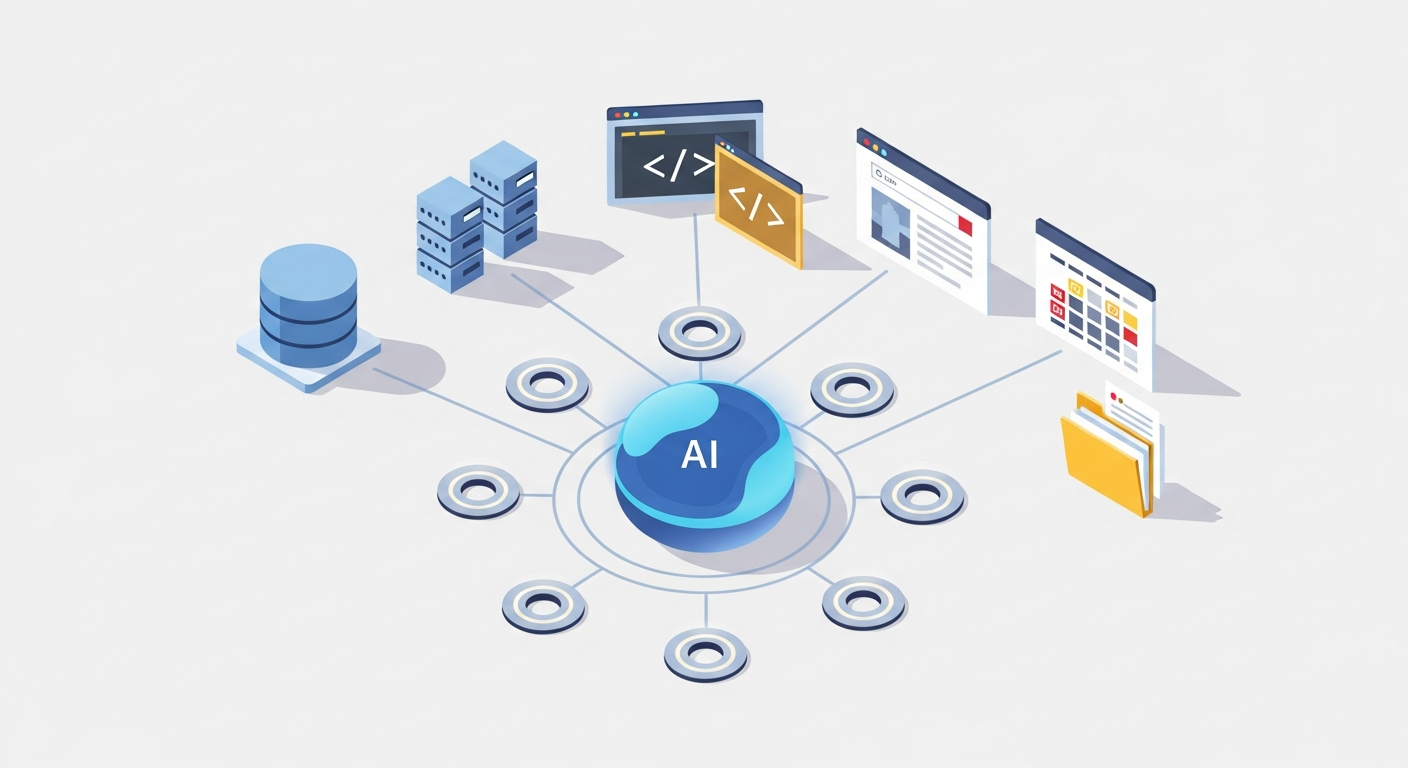
MCP uses a client-server architecture with three clearly defined roles:
- Host: The AI application the user interacts with (Claude Desktop, ChatGPT, VS Code with Copilot, etc.).
- Client: A component inside the host that manages the connection to one MCP server. Each server gets its own client instance.
- Server: A lightweight service that exposes specific capabilities (database access, file system operations, API calls) through the MCP protocol.
The Three Primitives
Every MCP server exposes capabilities through three types of primitives:
1. Tools — Actions the AI model can execute. A tool has a name, a description, and an input schema (JSON Schema). When the AI decides it needs to use a tool, it sends a request with the required parameters, and the server executes the action and returns the result.
Examples: query_database, create_github_issue, send_slack_message, search_web.
2. Resources — Data the AI model can read. Resources are identified by URIs and can be text or binary. Unlike tools, resources are typically read-only and represent static or semi-static data.
Examples: file:///project/README.md, postgres://database/users/schema, notion://page/project-specs.
3. Prompts — Reusable prompt templates that servers can expose. These are pre-built instructions or workflows that help users interact with the server's capabilities more effectively.
Examples: A database MCP server might expose a analyze_slow_queries prompt that instructs the AI to pull query logs, identify bottlenecks, and suggest optimizations.
How a Request Flows
Here is what happens when you ask Claude to "check the latest orders in the database":
- The host (Claude Desktop) receives your message and passes it to the AI model.
- The model recognizes it needs database access and identifies the relevant tool (
query_database) from the connected MCP server. - The client sends a JSON-RPC request to the MCP server with the tool name and parameters (e.g.,
{"query": "SELECT * FROM orders ORDER BY created_at DESC LIMIT 10"}). - The server executes the query against the actual database and returns the results.
- The model incorporates the data into its response and presents it to you.
This entire flow happens through the standardized MCP protocol — the same flow works whether you are querying a PostgreSQL database, a MongoDB collection, or a Snowflake warehouse, as long as there is an MCP server for it.
Code Example: A Minimal MCP Server
Here is what a basic MCP server looks like in Python using the official SDK:
from mcp.server import Server
from mcp.types import Tool, TextContent
import mcp.server.stdio

app = Server("weather-server")

@app.list_tools()
async def list_tools():
    return [
        Tool(
            name="get_weather",
            description="Get current weather for a city",
            inputSchema={
                "type": "object",
                "properties": {
                    "city": {"type": "string", "description": "City name"}
                },
                "required": ["city"]
            }
        )
    ]

@app.call_tool()
async def call_tool(name: str, arguments: dict):
    if name == "get_weather":
        city = arguments["city"]
        # In production, call a real weather API here
        return [TextContent(
            type="text",
            text=f"Weather in {city}: 22°C, partly cloudy"
        )]

async def main():
    async with mcp.server.stdio.stdio_server() as (read, write):
        await app.run(read, write, app.create_initialization_options())

if __name__ == "__main__":
    import asyncio
    asyncio.run(main())
This server exposes a single tool (get_weather) that any MCP-compatible AI client can discover and use. The SDK handles all the JSON-RPC communication, transport negotiation, and protocol handshaking.
MCP vs Function Calling vs Plugins: How They Compare
MCP is not the first attempt to connect AI models to external tools. OpenAI's function calling and ChatGPT plugins both tried to solve similar problems. Here is how they compare:
| Feature | MCP Protocol | Function Calling | ChatGPT Plugins (Deprecated) |
|---|---|---|---|
| Type | Open protocol (standard) | API feature (per-provider) | Vendor platform (closed) |
| Created by | Anthropic (open-source) | OpenAI, Google, etc. | OpenAI |
| Portability | Works across any MCP client | Tied to specific provider API | ChatGPT only (now defunct) |
| Direction | Bidirectional (server can push) | Unidirectional (client calls) | Unidirectional |
| Discovery | Dynamic (tools auto-discovered) | Static (defined per request) | Manifest-based |
| State | Persistent connections, sessions | Stateless per API call | Stateless |
| Transport | stdio, SSE, WebSocket | HTTP API calls | HTTP API calls |
| Server Library | 1000s of open-source servers | N/A (built per app) | Discontinued |
| Best for | Universal AI-tool integration | Simple, single-provider apps | N/A (deprecated) |
MCP and Function Calling Are Complementary
An important distinction: MCP does not replace function calling. Function calling is how an AI model decides which tool to use and what parameters to pass. MCP is the protocol that actually connects the model to the tool and executes the call. They work together. When Claude uses an MCP server, it internally uses function calling to select the right MCP tool, then the MCP client handles the actual communication with the server.
Why Plugins Failed Where MCP Succeeds
ChatGPT plugins, launched in March 2023 and deprecated on April 9, 2024, failed for three reasons MCP avoids:
- Vendor lock-in: Plugins only worked with ChatGPT. MCP is an open protocol that works with any supporting client.
- Centralized approval: Plugins needed OpenAI's approval to be listed. MCP servers can be built and shared by anyone.
- Limited capability: Plugins were essentially fancy API wrappers with no state management, no bidirectional communication, and no resource sharing. MCP supports all of these.
Who Supports MCP in 2026
MCP adoption has grown rapidly since its November 2024 launch. Here are the major players:
AI Platforms
- Anthropic — Creator of MCP. Claude Desktop, Claude Code, and the Claude API all support MCP natively.
- OpenAI — ChatGPT and the Assistants API support MCP servers. The Agents SDK includes MCP client capabilities.
- Google — Gemini's agent framework supports MCP server connections.
Developer Tools
- Cursor — The AI code editor supports MCP servers for database access, documentation lookup, and custom tool integration.
- Windsurf (Codeium) — Full MCP support in their AI coding environment.
- Replit — MCP integration for their AI agent capabilities.
- JetBrains — IntelliJ-based IDEs support MCP through their AI Assistant.
- Sourcegraph — Cody AI uses MCP for code intelligence and repository access.
- VS Code — GitHub Copilot supports MCP server connections.
Infrastructure and Enterprise
- Cloudflare — Provides infrastructure for hosting remote MCP servers at the edge.
- Docker — Published official Docker-based MCP server toolkits.
- Stripe, Shopify, Notion — Released official MCP servers for their APIs.
The pace of adoption is remarkable. What started as a single company's open-source project has become the de facto standard for AI-tool integration in under 18 months. If you are comparing AI platforms, our ChatGPT vs Claude vs Gemini comparison covers how each platform handles MCP and other integration capabilities.
Getting Started with MCP: A Practical Guide
Setting up your first MCP server takes less than five minutes. Here is how to do it with Claude Desktop (the process is similar for ChatGPT and other clients).
Step 1: Choose an MCP Server
Browse the official MCP servers repository on GitHub. Popular choices for getting started:
- filesystem — Read and write files on your local machine.
- sqlite — Query SQLite databases.
- github — Interact with GitHub repos, issues, and PRs.
- postgres — Query PostgreSQL databases.
- brave-search — Web search through Brave's API.
Step 2: Install the Server
Most MCP servers are distributed as npm packages or Python packages:
# npm-based servers
npx -y @modelcontextprotocol/server-filesystem /path/to/directory

# Python-based servers
pip install mcp-server-sqlite
python -m mcp_server_sqlite --db-path /path/to/database.db
Step 3: Configure Your AI Client
For Claude Desktop, edit the configuration file at ~/Library/Application Support/Claude/claude_desktop_config.json (macOS) or %APPDATA%\Claude\claude_desktop_config.json (Windows):
{
  "mcpServers": {
    "filesystem": {
      "command": "npx",
      "args": ["-y", "@modelcontextprotocol/server-filesystem", "/Users/you/projects"]
    },
    "github": {
      "command": "npx",
      "args": ["-y", "@modelcontextprotocol/server-github"],
      "env": {
        "GITHUB_PERSONAL_ACCESS_TOKEN": "ghp_your_token_here"
      }
    },
    "postgres": {
      "command": "npx",
      "args": ["-y", "@modelcontextprotocol/server-postgres"],
      "env": {
        "POSTGRES_CONNECTION_STRING": "postgresql://user:pass@localhost/mydb"
      }
    }
  }
}
Step 4: Restart and Use
Restart Claude Desktop. You will see small icons indicating connected MCP servers. Now you can ask Claude things like:
- "Read the README file in my project directory."
- "Show me the open issues in my GitHub repo."
- "Query the users table and find accounts created this week."
Claude will automatically use the appropriate MCP server to fulfill your request. No custom code needed.
For ChatGPT Users
OpenAI added MCP support through the ChatGPT desktop app. The configuration is similar — you specify MCP server commands in the settings, and ChatGPT discovers the available tools automatically.
The MCP Server Directory: Servers Worth Knowing
The MCP server directory on GitHub now lists thousands of community-built servers. Here are some standout categories:
Data and Databases
- PostgreSQL, MySQL, SQLite, MongoDB — Query any database directly from your AI assistant.
- BigQuery, Snowflake — Enterprise data warehouse access for analytics queries.
- Redis — Cache management and data structure operations.
Developer Productivity
- GitHub, GitLab — Manage repos, PRs, issues, and code reviews.
- Jira, Linear — Project management and issue tracking.
- Sentry — Error monitoring and debugging.
- Docker — Container management and deployment.
Communication and Collaboration
- Slack — Read channels, send messages, search history.
- Notion — Read and write pages, manage databases.
- Google Drive, Dropbox — File access and management.
- Gmail, Google Calendar — Email and scheduling integration.
Search and Knowledge
- Brave Search, Tavily — Web search with AI-optimized results.
- Exa — Semantic search across the web.
- Wikipedia, Arxiv — Knowledge base access.
Building Your Own MCP Server
The MCP GitHub organization provides official SDKs for building custom servers:
- Python SDK:
pip install mcp— The most popular choice, with async support and decorator-based tool definitions. - TypeScript SDK:
npm install @modelcontextprotocol/sdk— Full-featured SDK for Node.js servers. - Kotlin, C#, Java, Swift SDKs — Community-maintained options for other platforms.
A typical custom MCP server can be built in under 100 lines of code. The SDKs handle protocol negotiation, JSON-RPC serialization, transport management, and capability discovery automatically.
Security Considerations
MCP servers have access to real systems — databases, file systems, APIs — so security matters. Key considerations:
- Principle of least privilege: Give MCP servers only the permissions they need. A database MCP server for analytics should have read-only access.
- Local vs remote: Local (stdio) servers run on your machine and inherit your permissions. Remote (SSE) servers need proper authentication and access controls.
- Credential management: API keys and tokens are typically passed via environment variables in the MCP config. Keep them out of version control.
- Human-in-the-loop: Most MCP clients show which tools the AI wants to use before executing them. Review sensitive operations before approving.
- Sandboxing: Some clients run MCP servers in sandboxed environments to limit their system access.
Where MCP Is Heading
The MCP specification continues to evolve. Key developments to watch:
- Streamable HTTP transport: A new transport mechanism that combines the simplicity of HTTP with the streaming capabilities of SSE, making it easier to deploy MCP servers behind standard load balancers.
- OAuth 2.1 integration: Built-in authentication support so MCP servers can use standard OAuth flows instead of static API keys.
- Elicitation: A protocol extension that allows MCP servers to ask the user for additional information mid-workflow, enabling more interactive experiences.
- Multi-agent coordination: As AI agents become more autonomous, MCP is evolving to support agent-to-agent communication through shared MCP servers.
The trajectory is clear: MCP is becoming the TCP/IP of AI integration — a foundational protocol layer that everything else builds on top of.
Frequently Asked Questions
Is MCP free to use?
Yes. MCP is an open-source protocol released under the MIT license. The specification, SDKs, and official server implementations are all freely available on GitHub. There are no licensing fees, usage limits, or vendor lock-in.
Do I need to know how to code to use MCP?
Not to use existing MCP servers. You only need to edit a JSON configuration file to connect pre-built servers to your AI tool. Building a custom MCP server requires basic programming knowledge in Python or TypeScript, but the SDKs make it straightforward.
Does MCP work with ChatGPT or only Claude?
MCP works with both. OpenAI added MCP support to ChatGPT in 2025. It also works with Cursor, Windsurf, VS Code (via Copilot), JetBrains IDEs, and many other AI-powered tools. The whole point of MCP is cross-platform compatibility.
Is MCP secure? Can it access my private data?
MCP servers only access what you explicitly configure them to access. A filesystem server only sees the directories you specify. A database server only connects to the database you provide credentials for. Most AI clients also show a confirmation dialog before executing MCP tool calls, giving you a chance to review and approve each action.
How is MCP different from just using an API?
APIs are point-to-point: you write code to call a specific API from a specific application. MCP is a universal protocol: you build one MCP server for your API, and every MCP-compatible AI tool can use it without any additional code. MCP also adds capabilities that raw APIs lack — dynamic tool discovery, bidirectional communication, resource subscriptions, and standardized error handling.
Sources
- Anthropic — Introducing the Model Context Protocol (November 2024)
- OpenAI — Introducing MCP in ChatGPT (March 2025)
- TechCrunch — OpenAI Adopts Rival Anthropic's Standard for Connecting AI Models to Data
- GitHub — Official MCP Servers Repository
- GitHub — Model Context Protocol Organization
- OpenAI — ChatGPT Plugins Launch (March 2023)
- OpenAI Developer Community — Plugin Store Closure (April 2024)
- Wikipedia — Model Context Protocol